Wise Disk Cleaner Pro is a user friendly, fast and easy to use application developed to free up disk space by deleting junk files that are no longer used by any software on your system. Even the least experienced user can easily remove junk files with this tool. Your hard disk is littered with junk files you don't need, taking up precious hard disk space, and potentially slowing down your PC's performance. There are files of all kinds, such as temporary files that applications should delete when they're no longer needed, and various log files, index files and backup files. You'd be amazed at how much space these junk files take up.
Wise Disk Cleaner can identify more than 50 types of junk files, and you can customize the list. The program only deletes the files that you tell it to. You can choose to have the files permanently deleted, or else first moved to the Recycle Bin. And you can have the program do the cleanup automatically, or you can do it manually. You'll be amazed at how much hard disk space this program can gain for you, so automatically got back plenty of hard disk space. (For example: On my laptop, it found 872 MB of junk) The Professional Edition provides many advanced options. It lets you identify more junk files and old files. And for your safety, you can move these files to a designated folder, allowing you to restore them if needed.
What's new?
* Add new feature: Disk defrag and optimize tool

 De-fragmentation is a process that reduces the amount of fragmentation in file systems. It does this by physically organizing the contents of the disk to store the pieces of each file close together and contiguously. Many softwares are used for this purpose. One such professional utility is Paragon Total Defrag 2009 offering total file system defragmentation and optimization using low-level defragmentation to achieve almost zero fragmentation level, the utility costs $29.95 to buy but you can get a free legal copy under a special promotion as discussed at the end of the post.
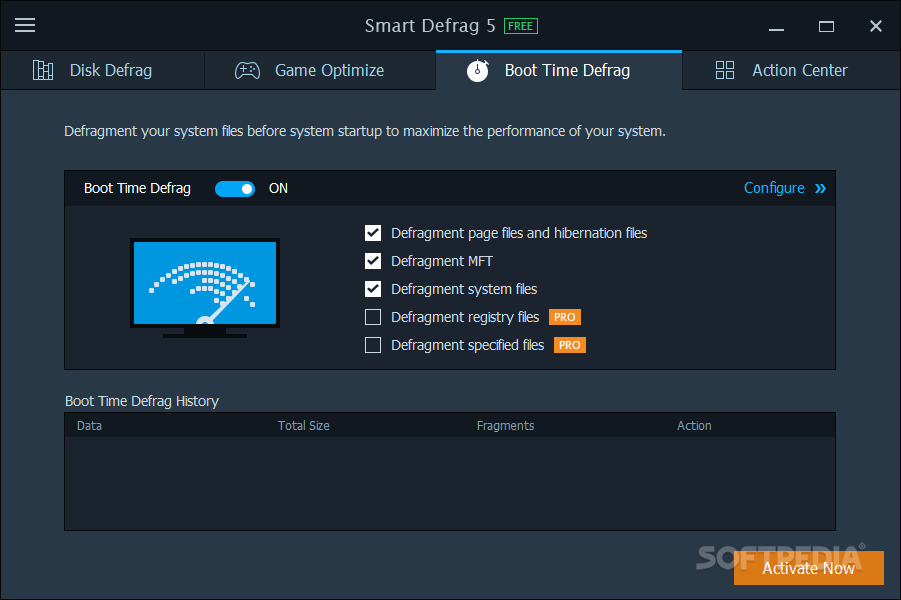
 Disk fragmentation is generally main cause of slow and unstable computer performance. Smart Defrag helps defragment your hard drive most efficiently. Smart Defrag not only defragments computer deeply but optimizes disk performance. With 'install it and forget it' feature, Smart Defrag works automatically and quietly in the background on your PC, keeping your hard disk running at its speediest. Smart Defrag is complete free for home, organization, and business.